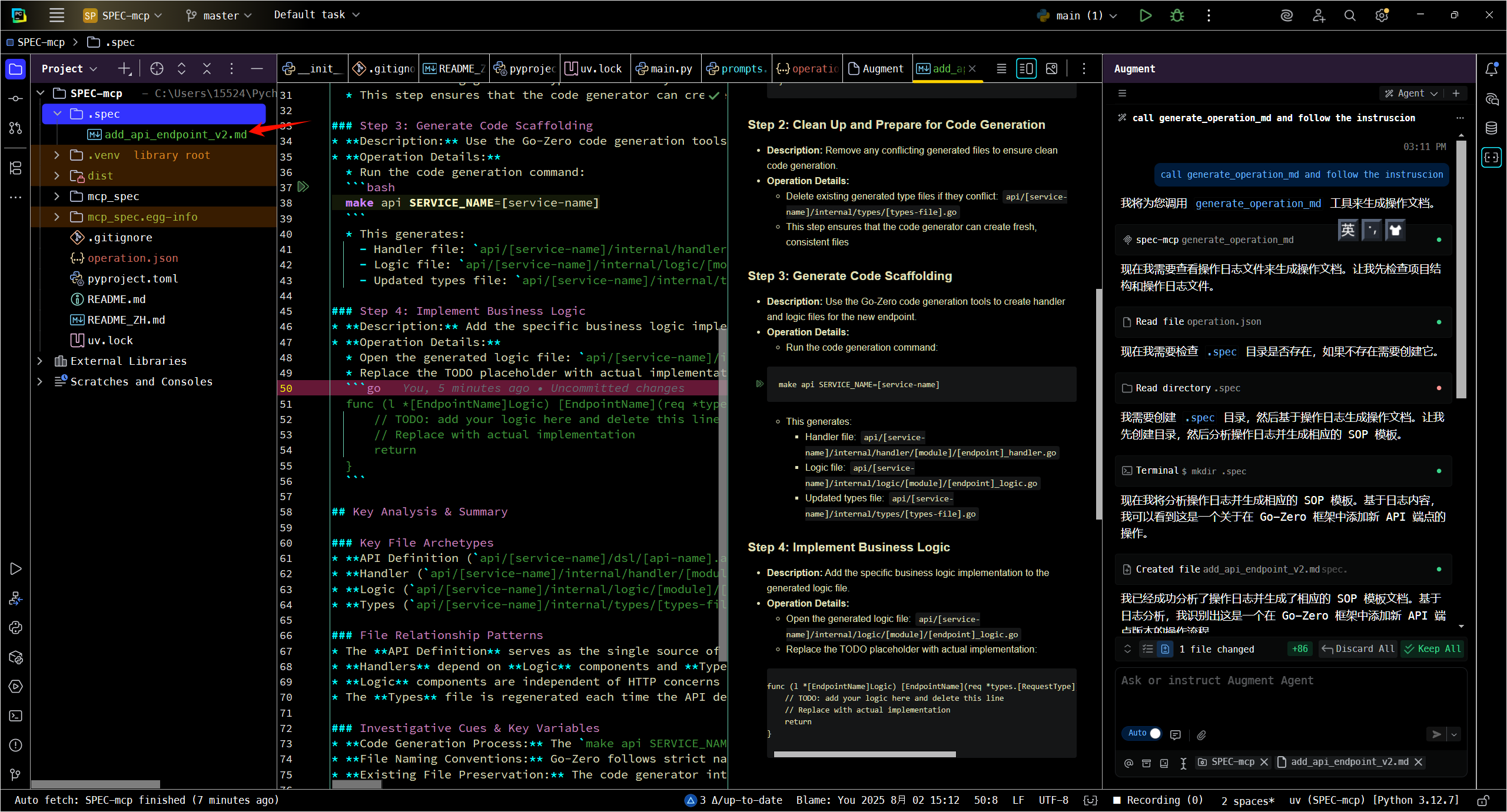
Usage
Attention!!!
- Recorder depends on Git, so you must ensure that your project is managed by Git.
- For the best results, it is recommended to record on a brand new branch with no stashed changes to get the cleanest diff.
Start Recording
You won't believe how easy it is to use Recorder. Just click Start Recording in the bottom right corner.
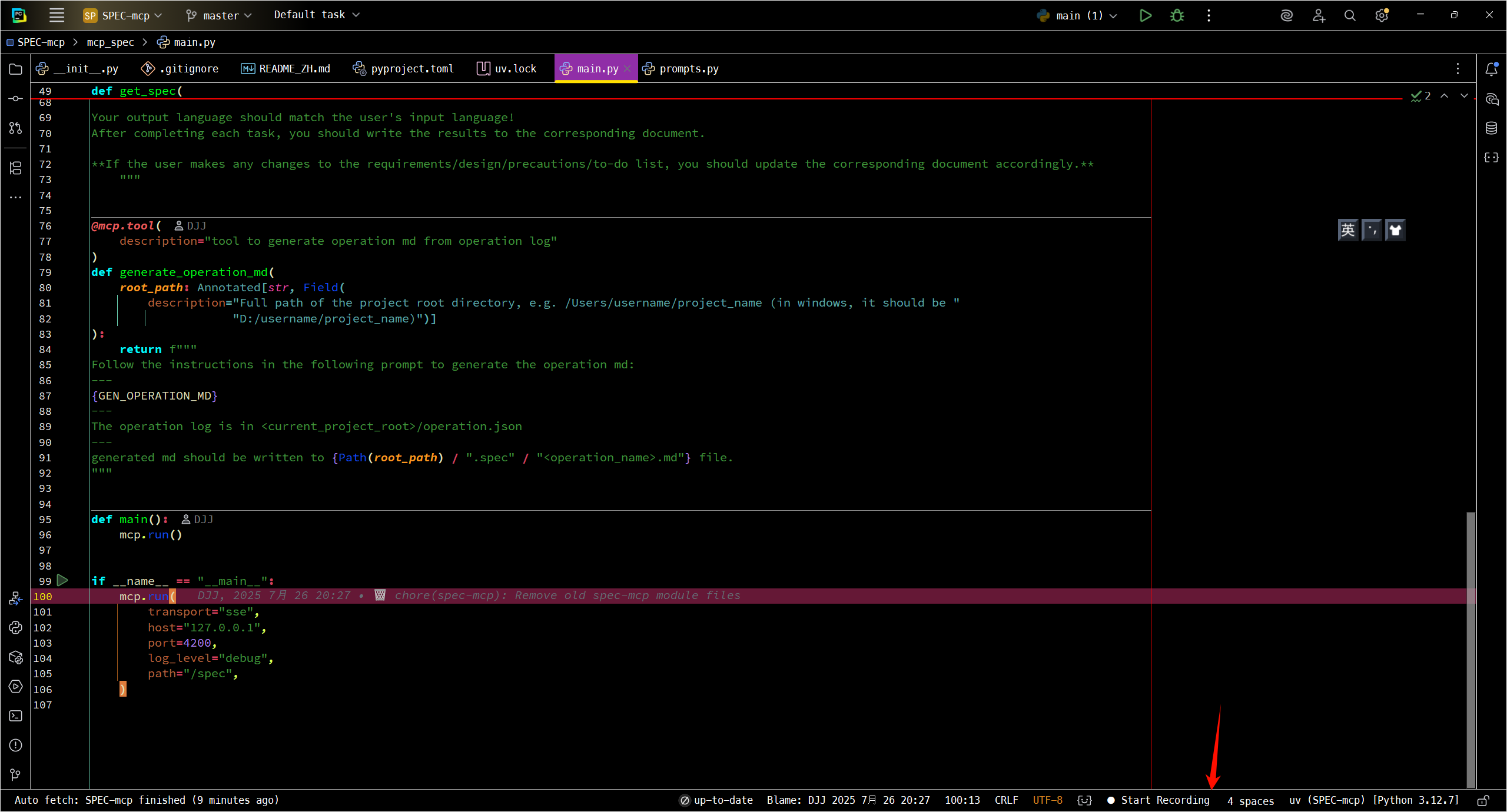
Write Code
Here, you just need to write your code as you normally would. Recorder will record your actions without any intrusion.
Stop Recording
It's not difficult, just click Stop again.
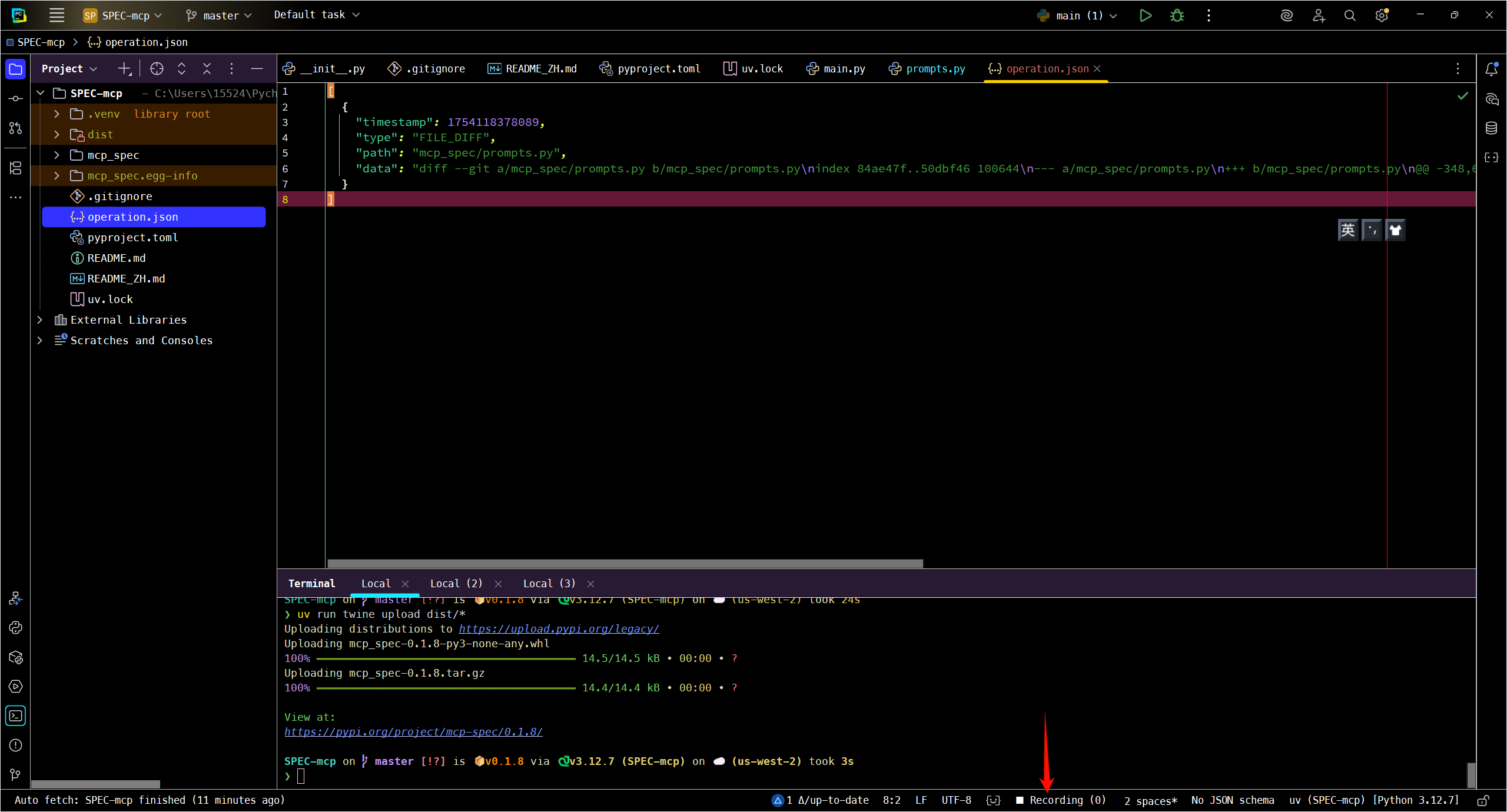
If the recording is completed successfully, there will be an operation.json file in the root directory of your project.
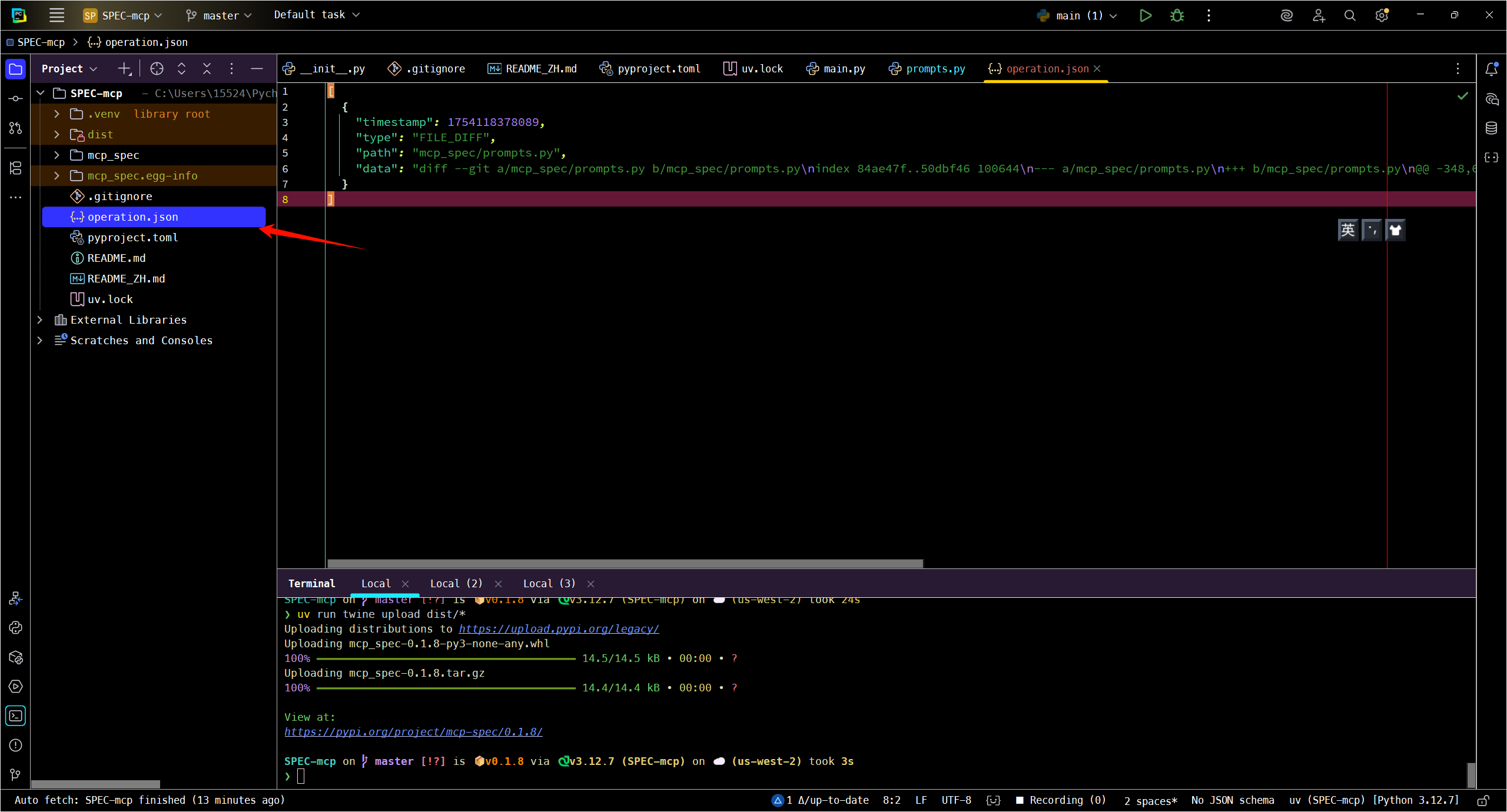
Generate SOP-SPEC
Open the chat box of your AI IDE, and select a mode with write permissions (e.g., Agent mode in an AI-powered IDE like Cursor).
Then enter: call generate_operation_md and follow the instruction
Wait for the AI to execute, and it will eventually generate a corresponding md file in the .spec directory.
Reference: